
Join a friend's Online Dynasty
Join a league with an invite link or code in about 3 minutes.
Before you start
- A Dynasty Central account
- An invite link or code from the commissioner
Steps
- Open the invite link from your friend.
- Sign in if asked.
- Check the league shown in the join sheet.
- Choose a school or join as a reader.
- Follow the prompts to join.
What you should see
The league hub opens after you join.
If it didn’t work
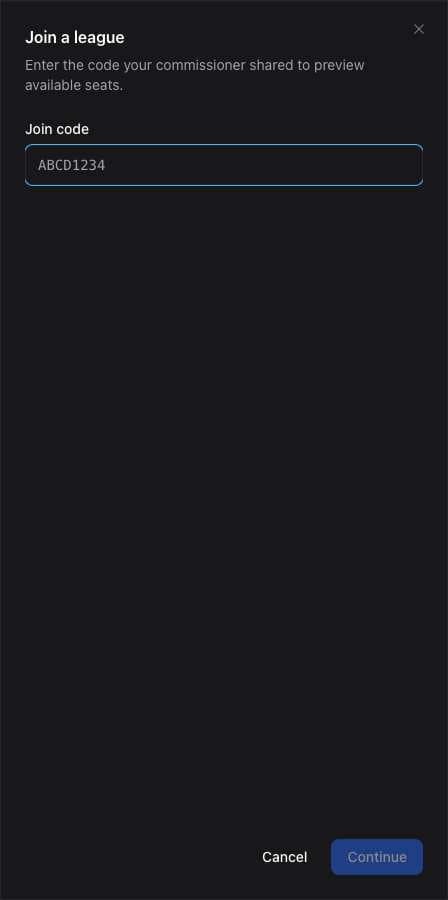
- You only have a code. Open All Leagues and select Join with code.
- The link does not work. Ask the commissioner for a new invite.
- You are already a member. Open All Leagues and select your league.
Related articles
Last verified: 2026-11-09