
Fix a sign-in problem
Get back into your account in about 3 minutes.
Before you start
- Access to the email address on your account
- The browser where you started signing in
Steps
- Open the sign-in page.
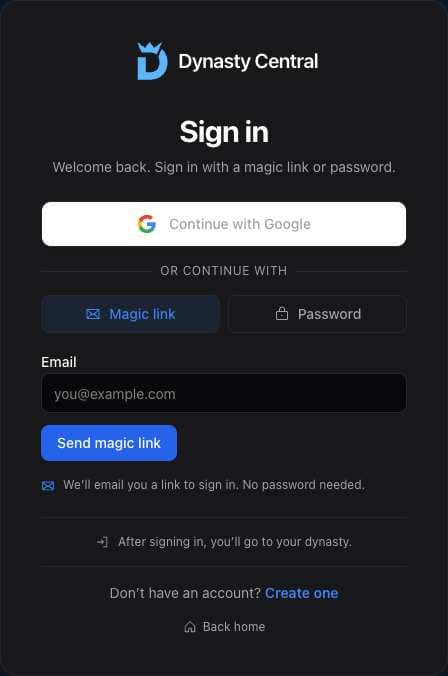
- Enter the email address on your account.
- Select Send magic link.
- Open the email and use the sign-in code in the same browser.
What you should see
Your dynasty opens after you sign in.
If it didn’t work
- The email did not arrive. Check spam and make sure the email address is correct.
- The link opened in a different browser. Use the code from the email on the sign-in screen.
- Your session expired. Sign in again using a new link or code.
Related articles
Last verified: 2026-11-09