
Set up your first dynasty
Set up a dynasty and choose your school in about 5 minutes.
Before you start
- A Dynasty Central account
- Your school and coach details
Steps
- Sign in to Dynasty Central.
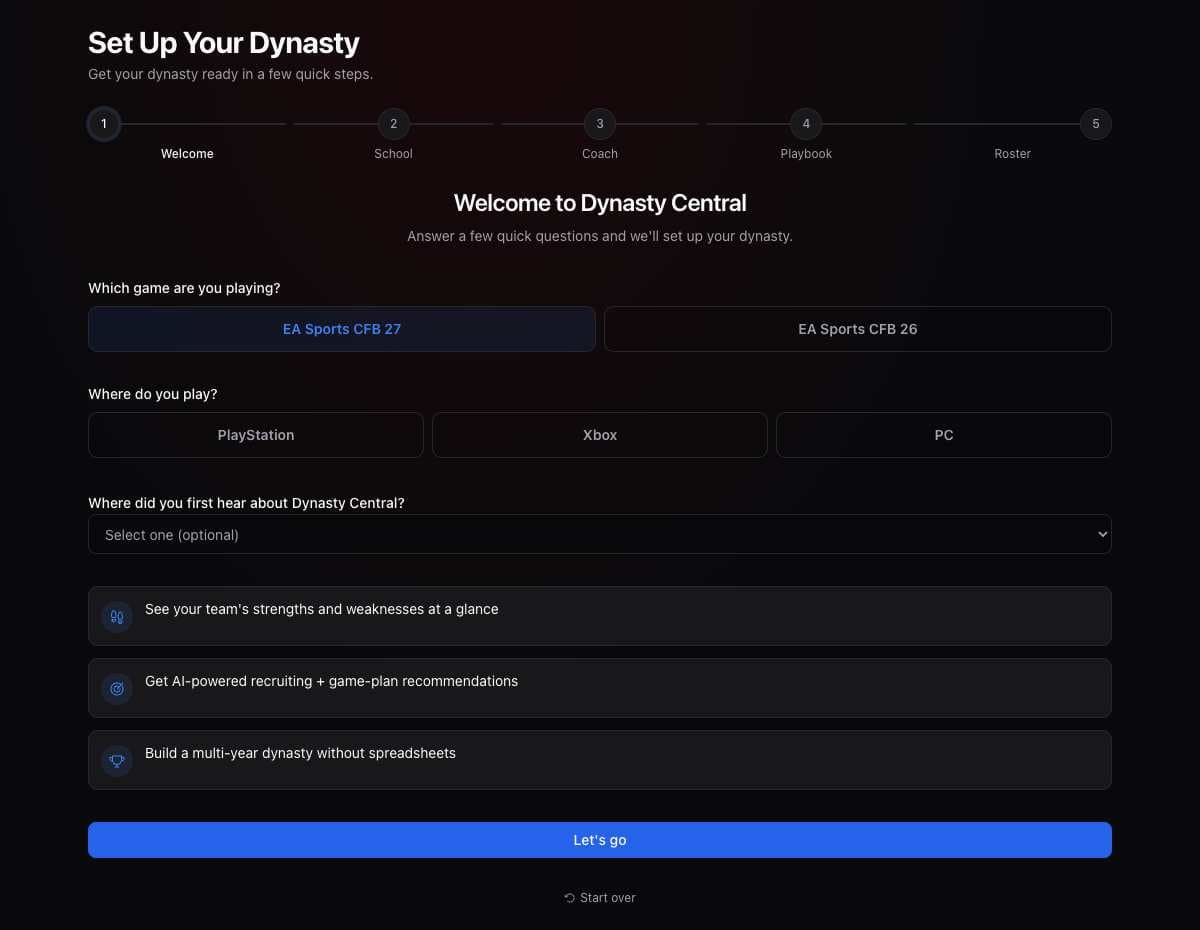
- Choose your game and platform.
- Select Let's go.
- Choose your school.
- If an upload screen appears after your school, upload a roster screenshot and select Continue setup, or select Do this later. If you upload here, setup skips the roster step at the end.
- Enter your coach details or choose Skip for now.
- Choose your playbook.
- Follow the roster prompts to finish setup.
What you should see
Your dynasty opens in Dynasty Central.
If it didn’t work
- You cannot find your school. Check the spelling and search again.
- You want to finish later. Choose Skip setup if it is available.
Related articles
Last verified: 2026-11-09