
Check and fix an import before saving
Review your uploaded data and save it in about 3 minutes.
Before you start
- A dynasty in Dynasty Central
- An uploaded screenshot or video ready for review
Steps
- Open Sync Data and open the completed upload for review.
- Compare each row with your game screen.
- Fix any wrong or missing fields.
- Select Confirm Import.
What you should see
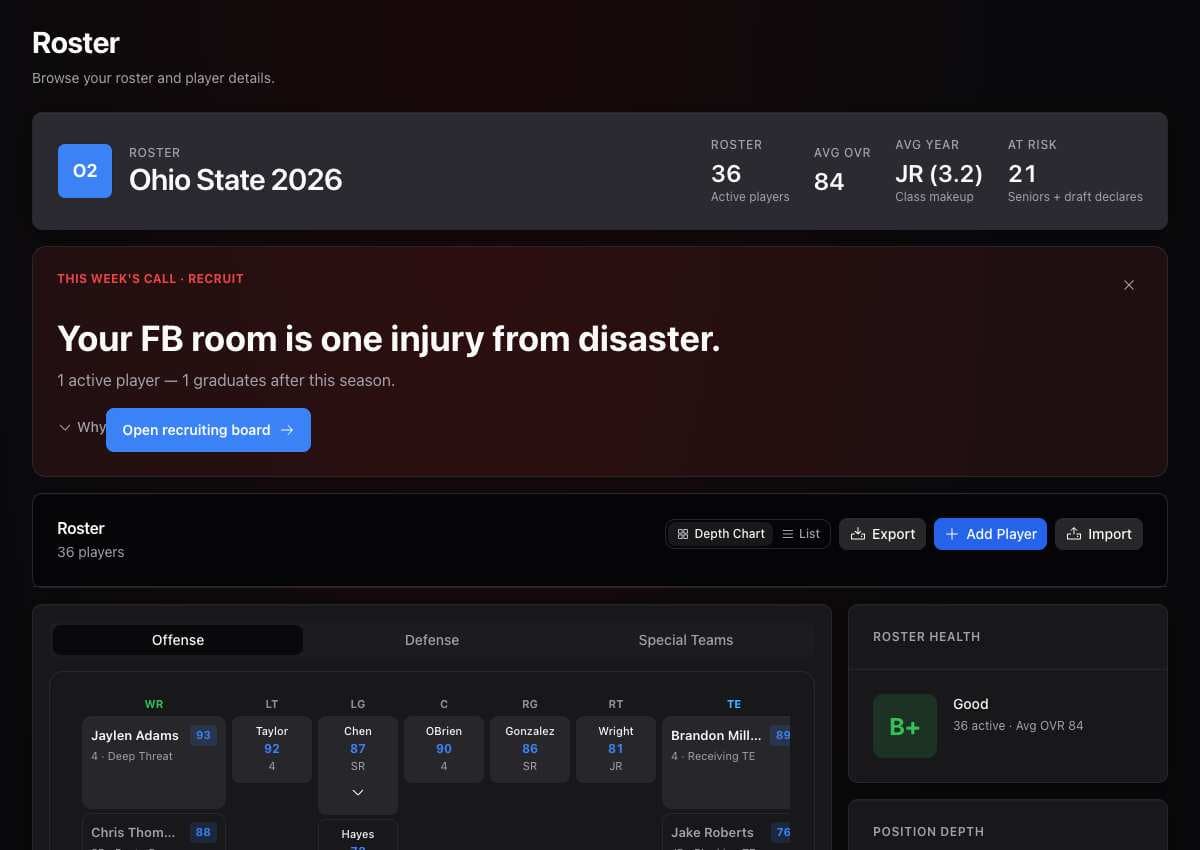
The confirmed data appears in your dynasty.
If it didn’t work
- You cannot confirm. Complete the missing fields and required player identity choices.
- A row is wrong. Edit the row before selecting Confirm Import.
- An upload failed. Try again with a clear image of the game screen.
Related articles
Last verified: 2026-11-09