
Follow your weekly dynasty routine
Keep your dynasty current after a game in about 5 minutes.
Before you start
- An active dynasty
- Recent game screens from your console or PC
Steps
- Open Dashboard.
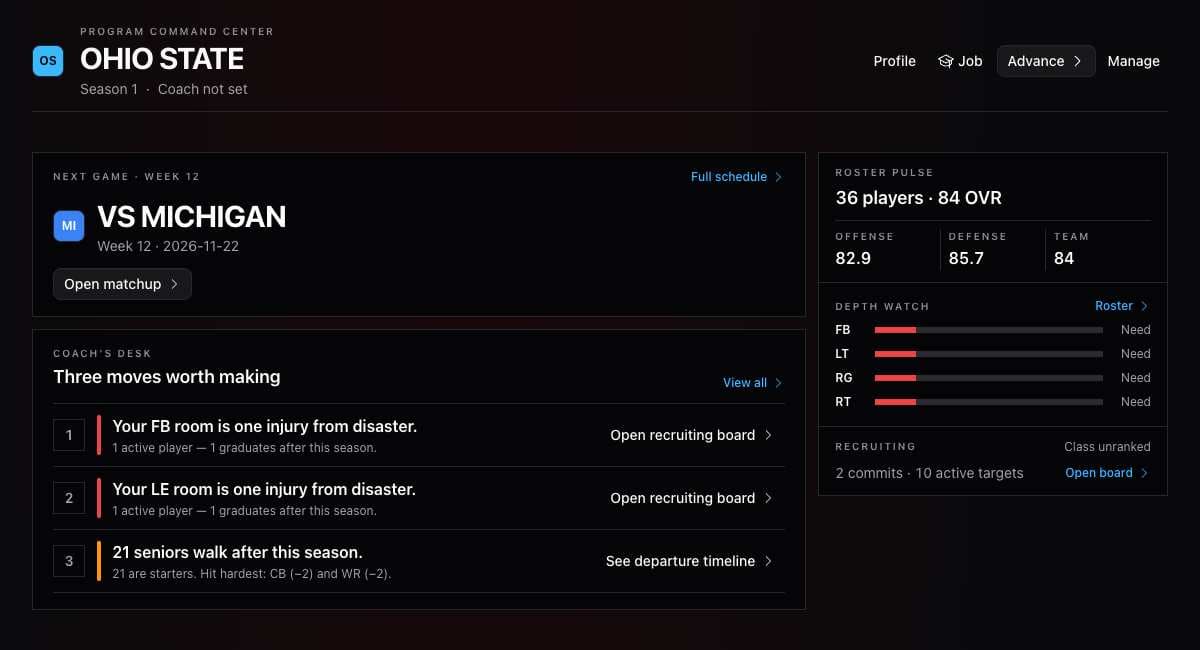
- Check the game week and its checklist.
- Open Sync Data.
- Upload the latest screens you want to update.
- Review the results and select Confirm Import.
- Open Roster and check what is still needed for the week.
What you should see
Your saved data reflects the screens you uploaded.
If it didn’t work
- The data looks wrong. Review the rows before confirming the import.
- A screen is missing. Capture that screen in the game and upload it separately.
Related articles
Last verified: 2026-11-09